Government & school orders welcome · purchase orders supported
EZ Dupe, Inc.
Products+
SOHO Touch SeriesEmbedded USB (eUSB) DuplicatorCompactFlash (CF) DuplicatorSATA HDD/ SSD DuplicatorNVMe SSD DuplicatorUSB Drive DuplicatorSD/Micro SD Card DuplicatorCF/CFast Card DuplicatorMultimedia DuplicatorDisc DuplicatorFlash Media DuplicatorView all products
Solutions+
Data CopyData ErasureQuality Check
Usage+
Usage & TestimonialsLarge-scale ProductionDevice QualityEntry-level Model
Support+
FAQsManuals DownloadWhere to BuyWarranty Policy and RegistrationReturn PolicyAbout DuplicatorDifference Between Duplicator and Docking Station
About Us+
About EZ DupeOur TechnologyNewsShows and EventsCareer OpportunitiesContact UsGovernment and School Orders
Find your systemContact sales
Solution

Copy Data

When a large number of files are being copied, or when files need to be copied to a large number of USB flash drives or hard drives, copying from the computer is not ideal. Not only does it occupy a lot of the computer’s resources, but it is also time-consuming and inefficient. With an EZ Dupe duplicator, however, you can easily copy files between several storage devices at once!

Data Copy

What can we provide?

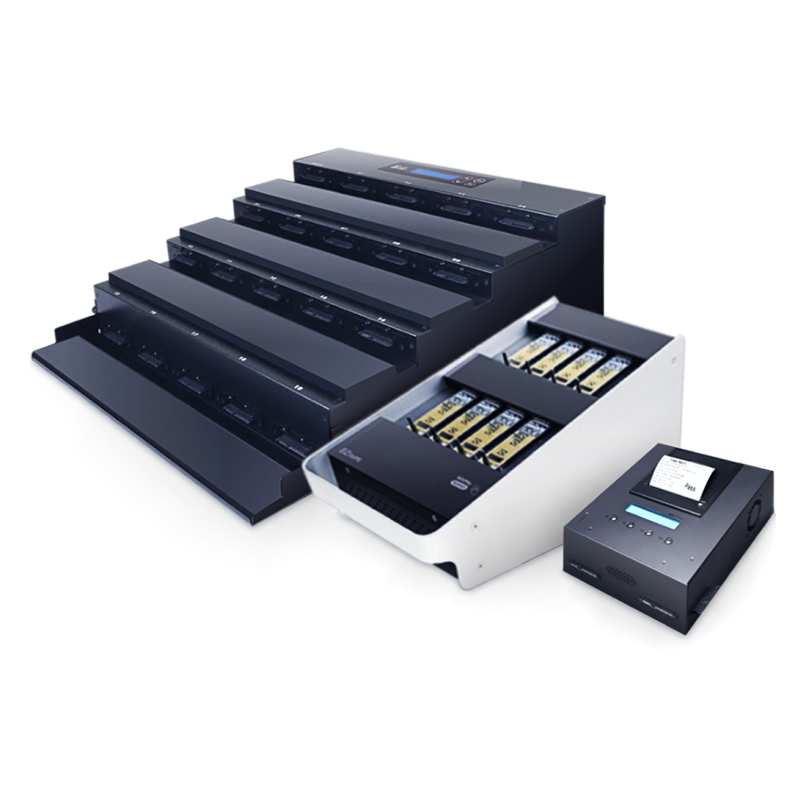
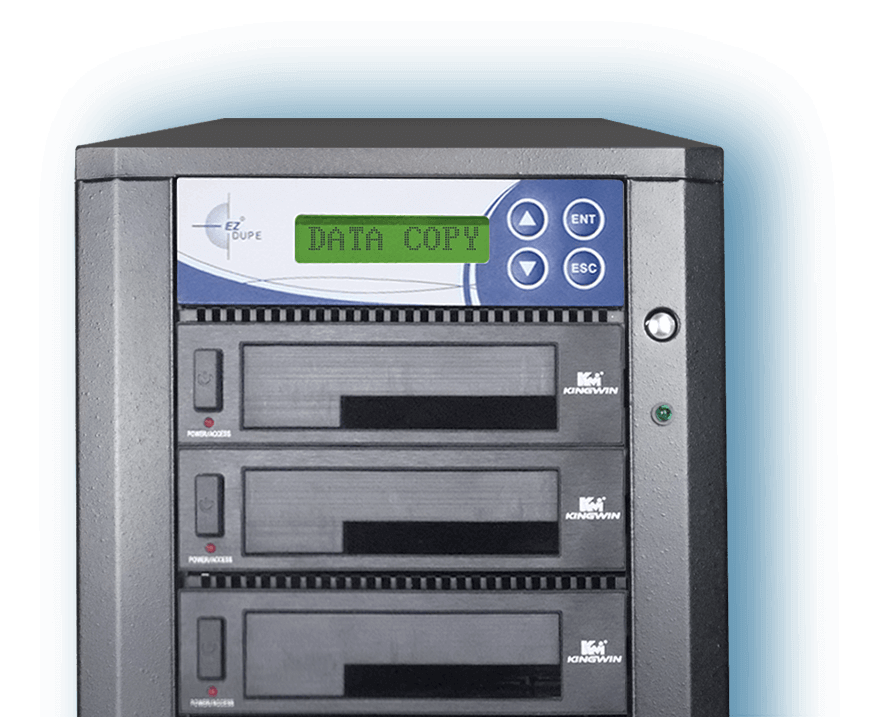
EZ Dupe provides duplicators for various storage devices, including CDs, hard drives, USB flash drives, micro SD cards, CF cards, and CFast cards, allowing you to easily copy a large number of files quickly.

Although the duplicator uses the same copy method process of Reading → Transferring Data → Writing as a computer, there are also significant differences between the two, including how the data is handled, the location and format of data storage, and more.

Characteristics

EZ Dupe Duplicators Have Three Major Characteristics

Bit-by-bit copy
01

Bit-by-bit copy

Copies exactly the same storage device

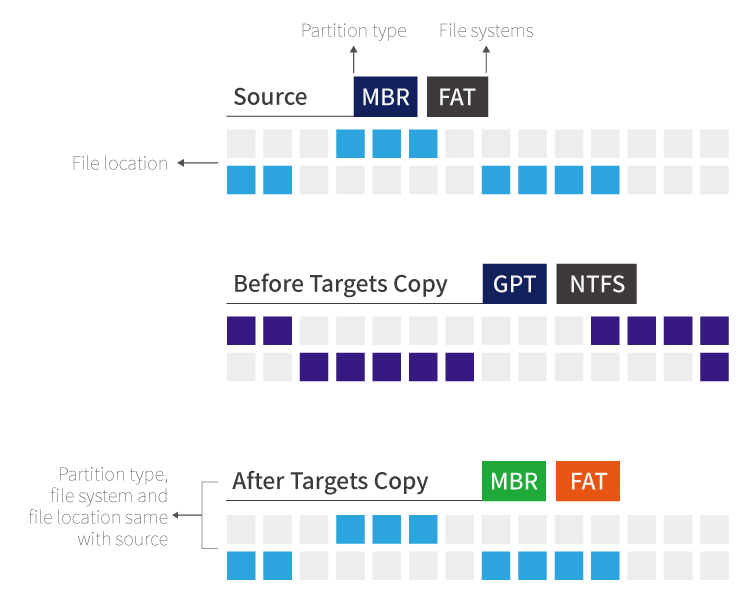
How the Duplicator Works: Bit-by-bit copy

The data on the master disk’s address is copied to the corresponding address of the target disk.

The copied data on each target disks is exactly the same as the data on the master disk.

The duplicator’s bit-to-bit copy copies the same partition, file system, and data of the master disk to the target disk. This function is very convenient when assembling multiple new computers or updating an old hard drive to a new hard drive. Any copies can be used immediately. No installation of any software is required.

Traditional Computer Copy Method

Computers copy data on a Files-by-Files and Append basis.

The master disk’s data will be copied over to an empty address of the target disk without overwriting any existing data.
Independent Port Design
02

Independent Port Design

Copy speed won’t be reduced no matter how many storage devices you’re copying to

The number of copies to a hard drive a computer can make at once is limited by the number of ports available, and new hard drives can only be added after the copying is complete. Furthermore, increasing the number of ports to add more hard drives splits the bandwidth speed among all the hard drives, resulting in lower overall work efficiency and longer operation time.

Valid Data Copy
03

Valid Data Copy

Advantage of Effective Data Copying

Most duplicators available in the market also use the aforementioned bit-to-bit copy to copy from one device to another, but consumes a lot of time to read an area empty of data on the master disk and write to a the target device. To solve this issue, EZ Dupe developed a "Valid Data Copy" mode. For the three major operating systems (window, Linux, OS), the effective data address will be analyzed before copying.

Only the valid data area will be copied, reducing the time to read and write a blank data area.

Shop by category

Come visit our duplicators!

All systems

Need a configuration confirmed? Our team can match the model to your media and target count.

Talk to sales